The fastest way to prioritize automation is to start with automation project payback: estimate total cost, estimate monthly net benefit, and pick the opportunities that return cash the soonest—then refine with feasibility and risk. This approach allows for the comparison of various automation ideas, grounds debates in unit economics, and generates a roadmap that leaders can approve without the need for weeks of spreadsheet back and forth.
Teams struggle here because automation benefits show up in different “currencies”: hours saved, fewer errors, faster cycle time, lower compliance exposure, or reduced contractor spend. When everything is described differently, prioritization becomes subjective, and the loudest stakeholder wins. A payback-first method turns those benefits into a single baseline and then adds the context that payback alone can’t see. This approach consolidates those benefits into a single baseline and adds context that payback alone cannot reveal.
Why is automation project payback the fastest prioritization lens for automation
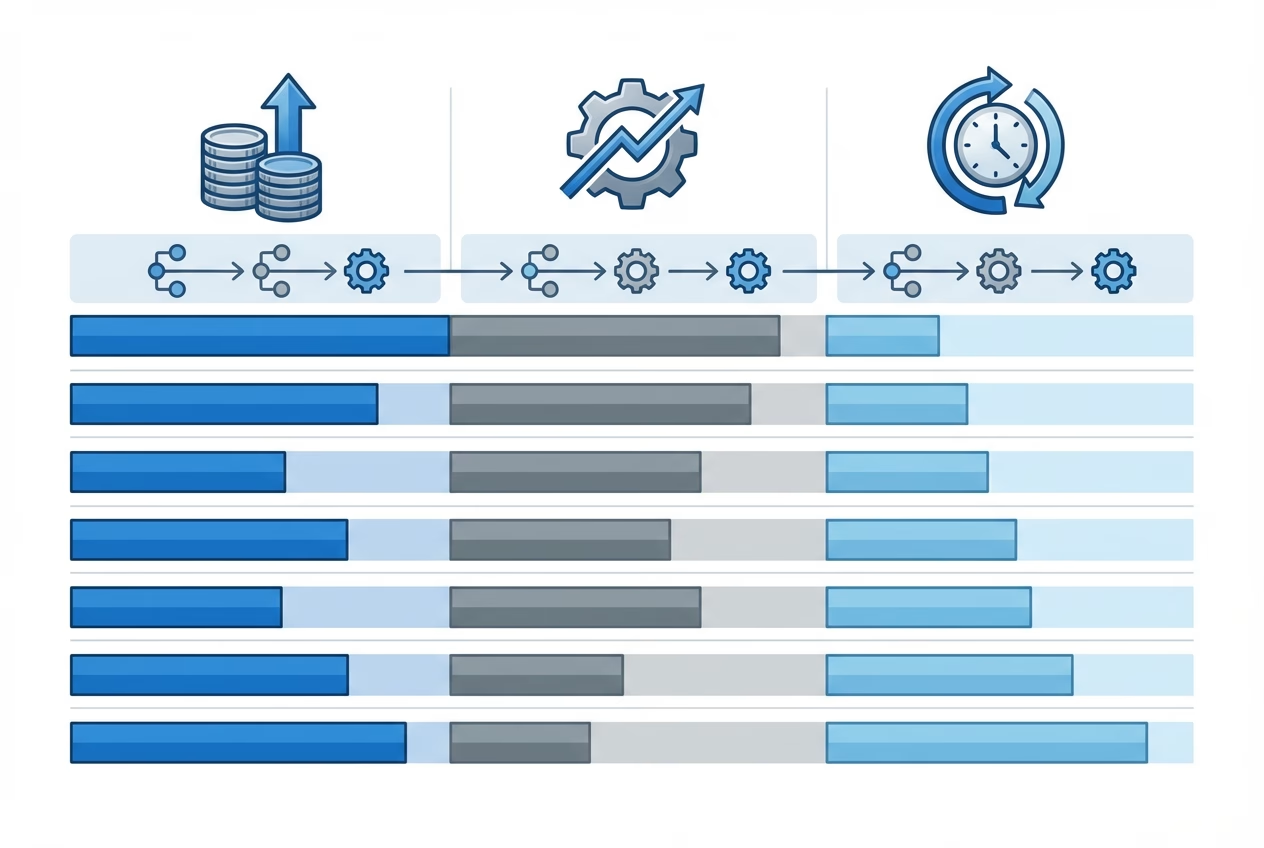
Payback works as a prioritization lens because it answers the question executives ask first: “When do we get our money back?” If you can confidently compare time-to-breakeven across opportunities, you can quickly separate near-term wins from initiatives that should be treated as strategic investments.
It also reduces the false precision that sneaks into automation ROI discussions. Early estimates are always imperfect, but time-to-breakeven is usually more stable than multi-year profit projections because it relies on fewer assumptions and less discounting.
Payback vs ROI vs NPV (When Each One Matters)
Use the automation payback period when you need speed and comparability across teams. It’s the best “first pass” for automation prioritization because it normalizes different project sizes into a timeline and helps you keep capital allocation disciplined.
Use automation ROI when two projects have similar payback but different scales, or when leadership wants to understand the upside beyond breakeven. Use NPV (Net Present Value) when benefits stretch across multiple years, cash flows are uneven, or you’re deciding on platform-level investments where timing and discount rate matter as much as magnitude.
Common Pitfalls That Inflate “Expected” Payback
Most payback stories get inflated in the same way: teams count “time saved” as cash without confirming it translates to avoided hiring, reduced contractor spending, or additional throughput that will actually be captured. If the business can’t redeploy the hours, the benefit is still real—just not fully financial.
Leaving those costs out turns the automation project payback into an optimistic estimate rather than a useful tool for decision-making. The other big miss is undercounting the total cost. Licenses, integration work, security reviews, documentation, training, exception handling, and ongoing maintenance often exceed the initial build effort. If those costs aren’t included, automation project payback becomes an optimistic guess instead of a decision tool.
Step 1—Define the Automation Unit Economics
Before you calculate anything, define what one “unit” of work is and how it moves through the process. For process automation, the unit might be a ticket, an invoice, an onboarding request, a renewal quote, or a report run. When everyone agrees on the unit, you can translate operational improvement into dollars.
This step also facilitates the creation of fair comparisons between teams. A finance automation idea and an IT ops automation idea can be evaluated with the same model if they share a clear unit definition and a consistent way to measure baseline cost and post-automation cost.
Baseline Process Cost: Labor Time, Error Rates, Cycle Time, Rework
Start with baseline labor time per unit and volume per month. Then add the hidden drivers: time spent on rework, escalation loops, handoffs, and “waiting time” where work sits idle. Cycle time matters because it often affects revenue timing, customer experience, and SLA penalties—even when labor minutes look small.
Error rates are the multiplier most teams ignore. A process with a 3% error rate can become expensive if each error triggers investigations, credits, compliance workflows, or customer churn risk. Capturing this baseline makes your automation project payback more credible because you’re modeling what truly happens, not what the process map claims happens.
Automation Cost: Build, Licenses, Implementation, Maintenance
Automation cost is more than development time. Include software licenses, integration middleware, implementation services, and the time you’ll spend validating data quality and edge cases. If the solution touches multiple systems, treat testing and stakeholder approvals as first-class cost components.
Maintenance is what turns a prototype into a durable capability. Budget for monitoring, exception queues, model or rule updates, support tickets, and change management when upstream systems evolve. Those costs directly impact automation project payback because they reduce net monthly benefit over time.
Step 2—Calculate payback period and ROI (with a repeatable template)
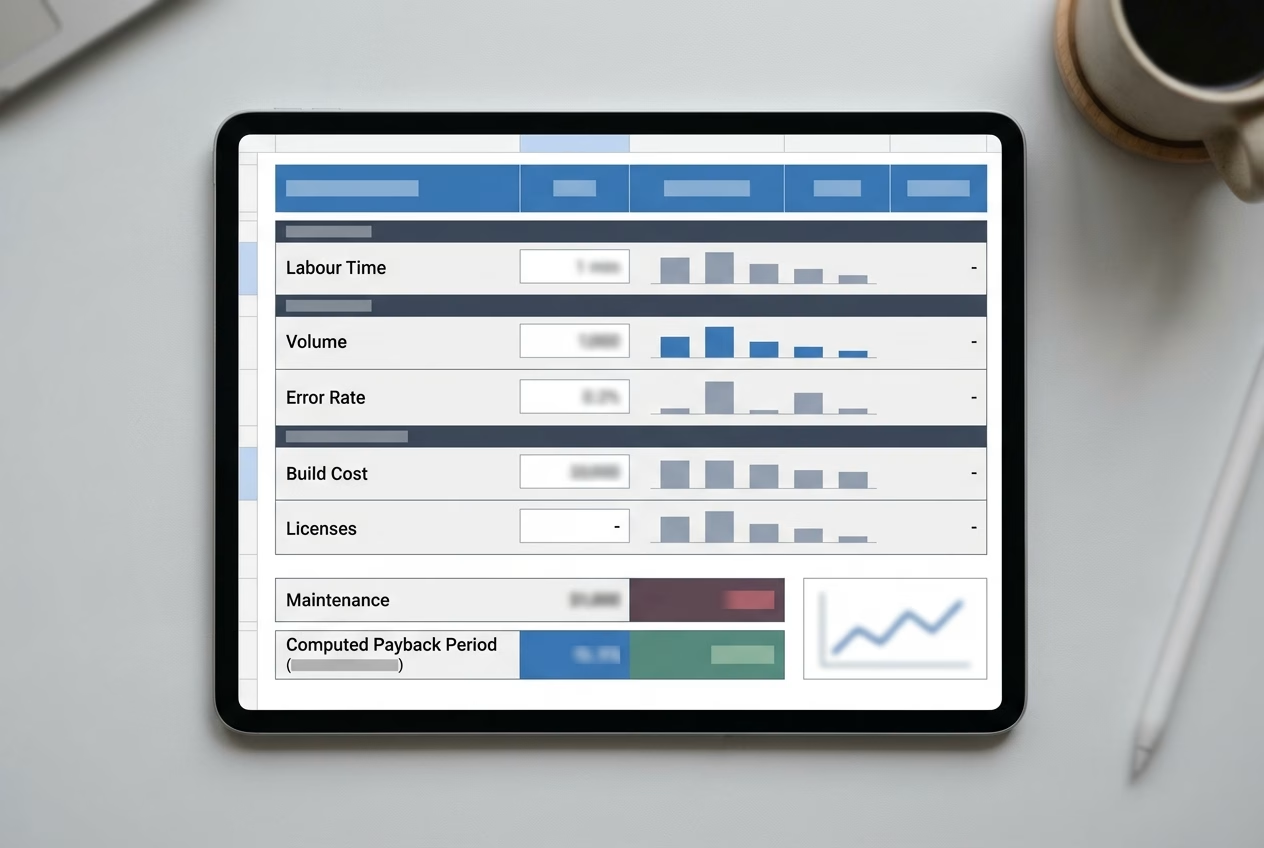
Once you have baseline and automation costs, you can compute the two metrics leaders expect: payback period and automation ROI. The goal isn’t to be perfect on day one; it’s to be consistent across all candidates so you can rank opportunities and decide which assumptions deserve deeper validation.
A repeatable template also prevents “metric shopping,” where one team uses payback, another uses hours saved, and another uses a vague strategic narrative. When every idea flows through the same math, your framework for ranking automation project payback becomes a shared language across IT, ops, finance, and leadership.
Payback Period Formula and Example
Payback period is the time needed for cumulative benefits to cover total investment. If benefits are relatively stable, you can model payback with a simple monthly net benefit number.
Formula:
Payback period (months) = Total upfront + implementation cost / Monthly net benefit

Monthly net benefit = Monthly savings + monthly value created − monthly run cost
Example: A support ops team spends $40,000 to automate routing and data enrichment, and it reliably reduces contractor coverage by $6,500 per month after $500/month in tooling. That yields a $6,000/month net benefit and a ~6.7-month payback, which is easy to compare against other candidates.
ROI Formula and What to Include/Exclude
ROI answers, “How much do we get back relative to what we spend?” typically over a defined window (often 12–24 months for automation business case reviews). Unlike payback, ROI forces you to decide what counts as a benefit and whether soft savings should be discounted.
Formula:
ROI (%) = (Total benefits over period − Total costs over period) / Total costs over period × 100Include labor cost avoided, contractor reduction, reduced error/rework cost, lower compliance handling cost, and measurable cycle-time value (like fewer SLA penalties). Exclude “nice-to-have” productivity gains unless you can tie them to throughput or headcount plans, because optimistic inclusion is the quickest way for automation project payback claims to lose trust in leadership reviews. The quickest way for automation project payback claims to lose trust in leadership reviews.
Step 3—Add a prioritization score (payback + feasibility + risk)
Payback is necessary, but it isn’t sufficient. Two projects can have identical payback periods and still be very different bets because one depends on messy data and cross-team approvals, while the other is largely contained within a single workflow.
A straightforward scoring model for automation projects lets you stack-rank opportunities across teams without overcomplicating the process. You keep automation project payback as the anchor metric, then adjust priority using a few factors that predict delivery success and operational safety.
| Dimension | What to Measure | How It Changes Priority |
|---|---|---|
| Payback | Data readiness, system access, and number of dependencies | Shorter payback ranks higher, all else equal |
| Feasibility | Fewer dependencies get a higher score | Fewer dependencies gets a higher score |
| Complexity | Exception rate, workflow variability, integration count | Lower complexity reduces schedule risk |
| Risk | Security impact, compliance exposure, operational disruption | Higher risk requires governance or lowers rank |
| Adoption | Behavior change needed, training load, stakeholder buy-in | Higher adoption friction lowers near-term priority |
Complexity and Dependencies (Data, Systems, Approvals)
Complexity typically exists in the peripheral scenarios, not in the straightforward path. If a process has high variability—different rules by region, customer tier, or contract type—your automation will need more exception handling, which increases build time and reduces realized benefit.
Dependencies slow delivery more than teams expect. When an automation requires access to multiple systems, approvals from multiple owners, or changes to upstream data capture, the calendar time grows even if the code is straightforward. That’s why a scoring model can prevent you from overvaluing a great-looking automation project payback estimate that can’t be shipped quickly.
Risk Factors (Security, Compliance, Operational Disruption)
Risk isn’t just about data security; it’s also about operational disruption. Automating a high-volume workflow can create a “blast radius” if one rule change or integration failure impacts thousands of transactions. In those cases, conservative rollout plans and monitoring are part of the real cost.
Example: An operations team proposes auto-approving refunds to cut cycle time, and the model shows strong payback. Once compliance reviews the idea, the team adds audit logging, thresholds, and a manual review queue for outliers, which slightly lengthens payback but dramatically reduces regulatory and reputational risk.

Step 4—Build an automation roadmap your exec team will approve
Even when the math is solid, roadmaps fail when they don’t match how leaders think about tradeoffs. Executives usually want a blend: quick wins that prove momentum and capability, plus a small number of platform investments that remove recurring friction across the business.
Position the roadmap as a portfolio. Use automation project payback to anchor the portfolio’s near-term credibility, and then explicitly reserve capacity for initiatives that improve data quality, observability, or workflow foundations—even if their payback is longer—because they accelerate future automation ROI.
Quick wins vs platform investments (and how to balance both)
Quick wins are the projects where the process is stable, the data is accessible, and adoption is natural because the automation removes obvious pain. These are ideal for establishing trust: you deliver value, prove the delivery model, and create reusable components.
Platform investments often look worse on paper because benefits are spread across teams and show up later. When you present them, connect them to the pipeline: show how standardizing intake, improving data quality, or adding workflow orchestration increases the number of future candidates with attractive automation project payback.
Governance: intake, review cadence, and decision criteria
Governance prevents the resetting of priorities every quarter. A lightweight intake form, a monthly review, and a clear set of decision criteria prevent duplicate efforts and help you maintain a single source of truth on assumptions related to automation business cases. Forrester Research recommends establishing governance frameworks early to ensure automation initiatives remain aligned with business priorities.
The most effective governance ties pre-launch scoring to post-launch accountability. When teams know you will measure whether the predicted automation project payback was achieved, assumptions get sharper, and the roadmap becomes easier to defend in budget cycles.
Next Steps
If you want a prioritization method that works across departments, start payback-first and then add feasibility and risk as modifiers. This keeps the math simple enough to move quickly while still reflecting delivery reality.
Shortlist 5–10 Candidates with a 2-Week Discovery
Shortlist candidates by automation project payback, then run a two-week discovery to validate volume, time-on-task, exception rates, and integration complexity. End discovery with a one-page automation business case per candidate and a ranked roadmap that shows quick wins alongside platform work.
What to Track After Launch to Confirm Payback:
Forecasts are only useful if you close the loop after going live. Post-launch measurement turns your first few projects into a calibration set: you learn which assumptions were consistently high or low, and your next round of estimates becomes dramatically more accurate.
Track outcomes that map directly to your model inputs so you can recompute realized payback and ROI. The simplest set includes volume processed, average handling time, exception rate, rework rate, and run cost; when those are stable, you can confidently report whether the automation project payback is on track, ahead, or slipping.
Also track adoption and operational quality signals. If users bypass the automation, or if the automation creates downstream cleanup work, your “savings” can evaporate even when the workflow technically runs.
FAQs
What’s a good payback period for automation projects in B2B companies?
Many B2B teams target 6–12 months, but the right answer depends on risk, cash constraints, and whether the project is a quick win or a platform investment. If governance and controls are strong, a slightly longer payback can be acceptable when it enables multiple follow-on automations.
Should we prioritize quick payback or the highest ROI?
Use quick payback to build momentum and credibility, then use ROI to choose between similarly rapid options or to justify scaling. In practice, the best portfolio includes both short payback projects to fund attention and long-term ROI projects to compound value.
How do we estimate time savings accurately for an automation business case?
Use sampling: measure time-on-task across 10–30 real items, include rework and waiting, and segment by common variants. Then sanity-check the estimate with system logs (tickets, timestamps, throughput) so the “saved minutes” reflect reality.
How do we account for maintenance management costs in payback?
Treat them as monthly run costs that reduce net benefit, not as an afterthought. If you expect quarterly updates, monitoring, and training, estimate hours per month and add tool subscription fees so the resulting automation project payback reflects the true operating model.
What if an automation project has strategic value but a long payback?
Keep it in the roadmap, but label it as strategic and justify it with risk reduction, scalability, or customer impact, not just cost savings. Then reduce uncertainty with a discovery phase and define leading indicators (adoption, error reduction, cycle time) that show progress before payback is achieved.
What is the best way to compare automation opportunities with different costs and benefits?
Convert each opportunity into the same unit economics: upfront cost, monthly run cost, and monthly net benefit tied to measurable outcomes. Then compare by automation project payback first, and use feasibility and risk scoring to break ties and avoid delivery surprises.