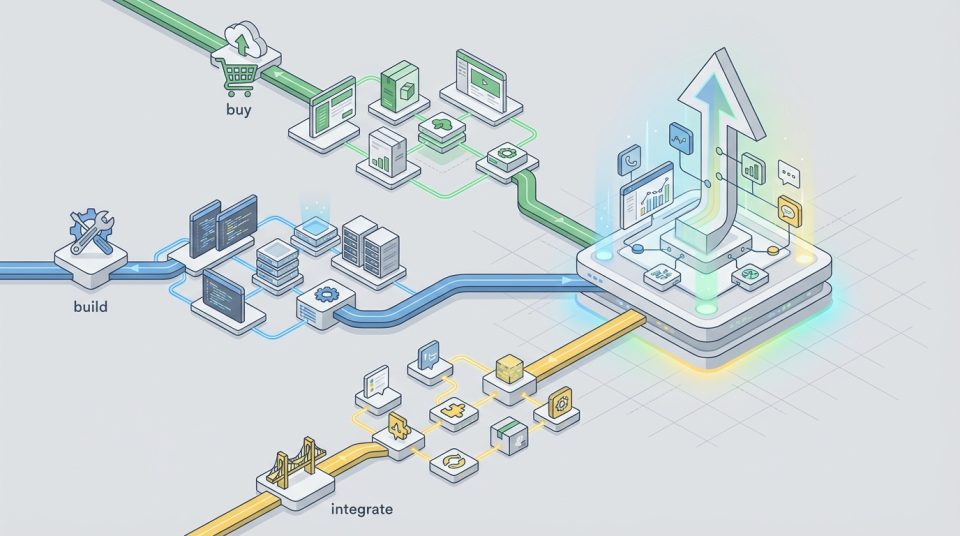
A vendor lock-in escape plan is a phased, low-risk way to regain control of your data, integrations, and operating expenses without breaking revenue-critical workflows. The safest exits start by quantifying what lock-in is costing you, then scoping exactly what must move, and finally migrating in controlled stages with clear rollback points, contract leverage, and accountable owners.
For teams working on growth infrastructure, this technique connects closely with your overall SEO and data strategy (see our guide: /seo-content-strategy).
A strong vendor lock-in escape plan ensures teams maintain flexibility while scaling operations.
Vendor lock-in isn’t inherently bad—many teams accept it when speed matters. The problem starts when switching costs silently rise, the platform becomes the bottleneck for change, and “just one more add-on” turns into a permanent tax on every new initiative. A successful plan doesn’t just move systems; it preserves continuity across data portability, integrations, and people’s day-to-day work.
Recognize the lock-in (and quantify the impact) in your vendor lock-in escape plan
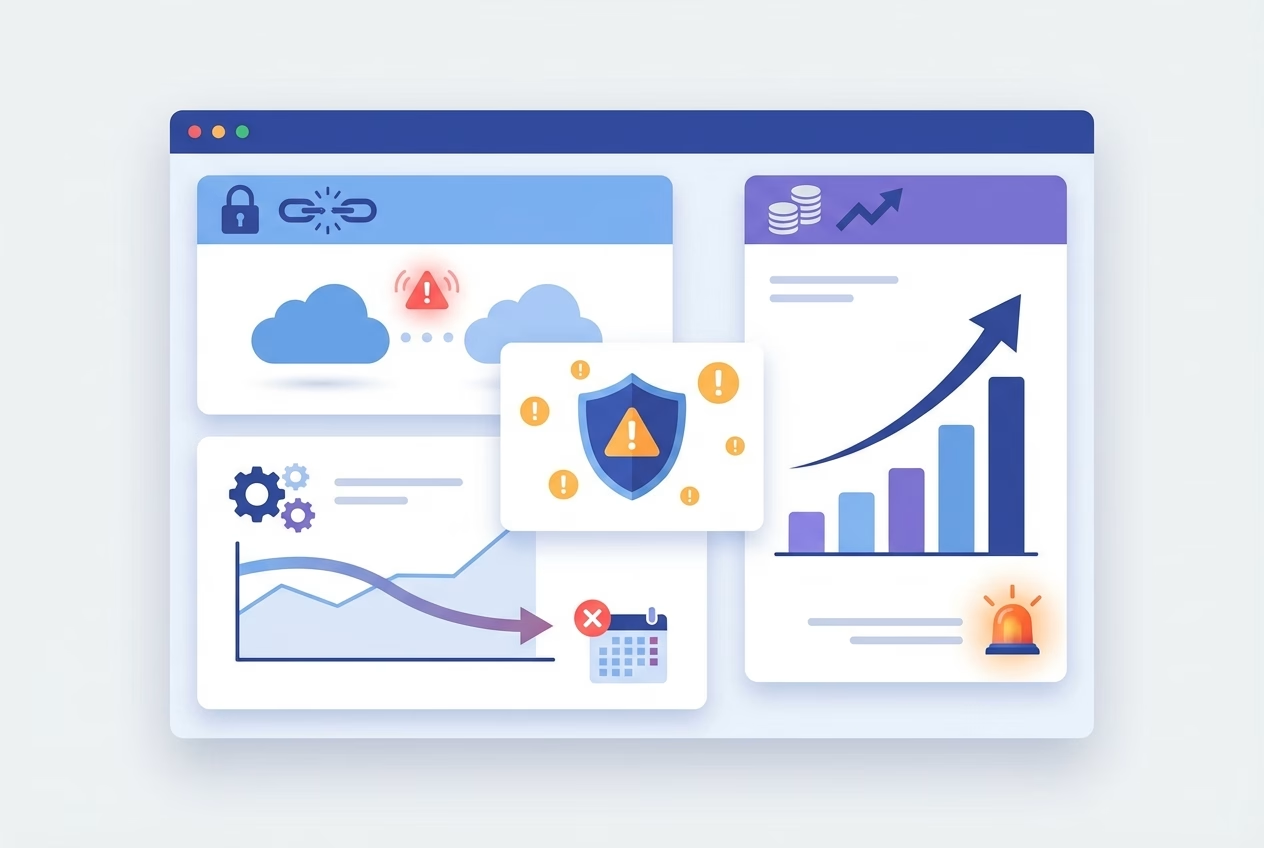
Vendor lock-in happens when a provider’s technology, pricing model, or contract terms make it disproportionately hard to leave—even if the product no longer fits. You’ll feel it when decisions that should be technical tradeoffs become business constraints: you delay launches, accept weaker processes, or stop innovating because change is “too risky.”
Before you plan an exit, prove that lock-in is hurting you. Quantify the impact in time (cycle time to ship changes), money (fees and add-ons), and risk (single points of failure). This makes the migration conversation objective, and it prevents the team from underestimating the platform migration
Operational signals: slow changes, brittle workflows, blocked integrations
Operational lock-in shows up as “paper cuts” that accumulate into strategic drag. If small workflow tweaks require professional services, if automation breaks without warning, or if blocked integrations force manual workarounds, your stack is brittle. Over time, teams start designing processes around platform limitations instead of business needs.
Example: A RevOps team wants to add a new lead routing rule, but the platform only supports it via a paid consultant and a two-week queue. Sales starts working from spreadsheets “temporarily,” and soon, reporting, attribution, and compliance all depend on an unofficial side process.
Financial signals: rising fees, add-on pricing, expensive professional services
Financial lock-in is often easier to measure but harder to attribute correctly. Fees climb through add-on pricing, higher tiers to unlock basic capabilities, and mandatory bundles that only a fraction of the team uses. You may also see “switching costs” engineered into the commercial model: multi-year commitments, renewal cliffs, or penalties that make renegotiation feel impossible.
To quantify impact, separate baseline cost (what you would pay for a fit-for-purpose tool) from lock-in premiums (what you pay because you can’t easily leave). That delta becomes the economic justification for your vendor lock-in escape plan, and it guides how aggressively you negotiate SaaS contracts and timelines.
Inventory what you must move (scope definition)
Most exits fail because the scope is fuzzy. “Move off the platform” sounds simple until you realize the system is also your reporting layer, your identity store, your workflow engine, and the glue for a dozen integrations. A credible inventory turns a scary migration into a series of bounded, testable moves.
Start with what the business cannot afford to lose: revenue operations, customer access, billing, compliance evidence, and historical analytics. Then map what depends on those capabilities so you can sequence work and avoid downtime. This phase is where data portability and integration design stop being abstract concepts and become delivery constraints. (Forbes.)
Data: sources, ownership, exports, retention, and quality
Define what data exists, where it originates, and who owns it—contractually and operationally. “Ownership” is not just legal language; it affects whether you can export on demand, whether you get full-fidelity history, and whether attachments, event logs, and custom objects come with you. Retention and deletion rules also matter because you would rather not migrate noise or violate policy during the exit.
At this stage, measure data quality, not just volume. Duplicates, inconsistent schemas, and missing IDs create migration risk because they break joins and downstream reporting. A vendor lock-in escape plan that ignores cleanup becomes a platform migration that “works” technically but fails in the business layer.
Integrations: APIs, webhooks, middleware, and dependencies
Integrations are where lock-in hides, because they turn “one tool” into a dependency graph. Document every API call, webhook, scheduled job, and middleware flow, along with authentication methods and rate limits. If the vendor uses proprietary objects or opaque IDs, plan how you’ll map them to an open model so the new stack doesn’t inherit the same trap.
Also capture non-obvious dependencies: reports emailed to executives, automations that create tickets, and data feeds that power finance reconciliations. When you later assess switching costs, these “small” dependencies often dominate effort and risk. Bringing them into scope early makes your vendor lock-in escape plan grounded and credible.
Build the escape plan (phases, timeline, and roles)
Once the scope is defined, convert it into a phased roadmap with owners, success criteria, and a realistic timeline. Exiting lock-in is both a technical project and an operating model change: people must learn new workflows, data definitions must stabilize, and support processes must be ready on day one.
If you’re aligning this with broader growth systems, this should integrate with your acquisition and attribution stack (see: /b2b-saas-marketing-strategy).
Before committing to an exit, assess migration risk alongside switching costs. Switching costs include more than subscriptions: they include engineering time, temporary parallel tooling, retraining, re-auditing controls, and opportunity costs from slowed feature delivery. A strong vendor lock-in escape plan treats those costs as design inputs, not unpleasant surprises.
Target architecture and vendor selection criteria (portability-first)
Define the target architecture in terms of capabilities and boundaries, not vendor brand names. Decide what should be a system of record, what should be a workflow layer, and what should be “replaceable” at low cost. Then select vendors using portability-first criteria: documented exports, stable APIs, transparent rate limits, and a data model you can understand without special tooling.
For future-proofing, prioritize tools that support standard formats and well-known patterns (event logs, webhooks, SCIM/SAML for identity, and reasonable bulk export options). The goal isn’t to avoid all coupling—it’s to ensure coupling is intentional and reversible. That mindset is the preventative half of any vendor lock-in escape plan.
Cutover approach: parallel run vs. big-bang and decision criteria
The safest exits favor a parallel run for revenue-critical workflows, because it allows verification with real traffic. Big-bang cutovers can work for isolated tools, but they concentrate risk and demand perfect readiness across data, integrations, and people. Your decision should follow business constraints: tolerance for downtime, ability to reconcile differences, and whether the old system can remain read-only without penalty.
To keep the program manageable, define clear cutover criteria: what must be true for data accuracy, workflow parity, performance, and support readiness. If those criteria are measurable, leadership can approve the transition without relying on gut feel. This is where a vendor lock-in escape plan becomes an execution plan instead of a wish list.
Execution Steps
- Confirm business outcomes and define “done” (what must work on day one).
- Inventory and classify data, integrations, and workflows by criticality.
- Design the target architecture with portability-first vendor criteria.
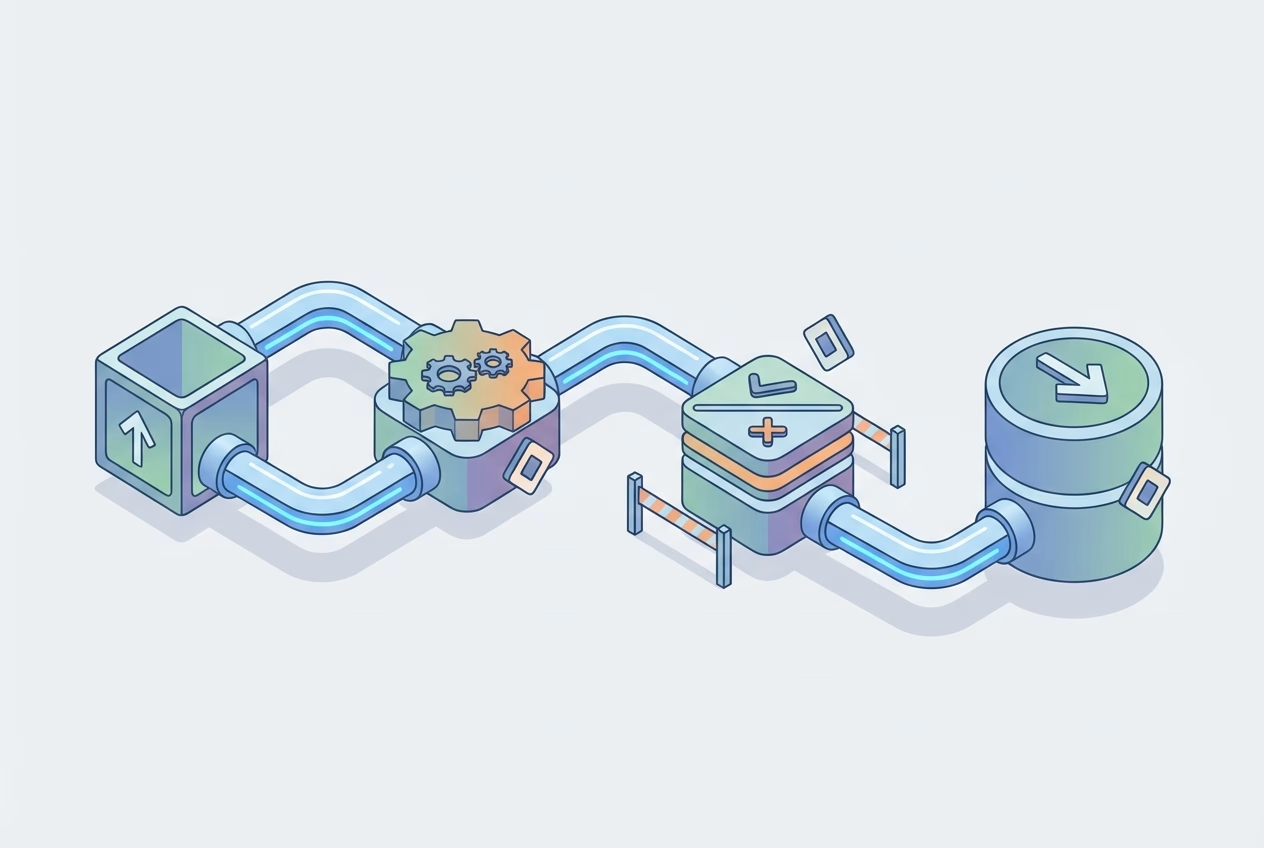
- Build repeatable export, transform, and load pipelines with validation.
- Run a parallel environment and reconcile outputs until the variance is acceptable.
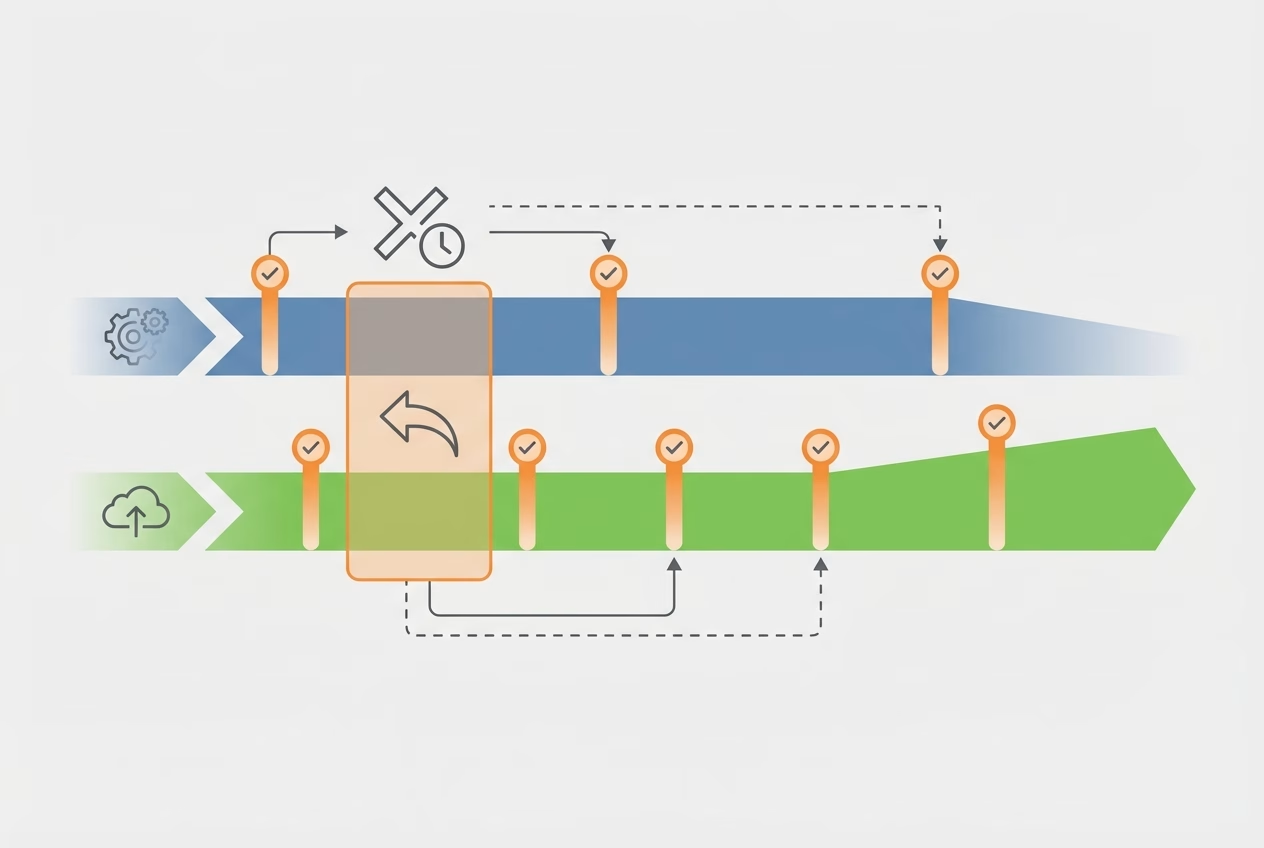
- Execute cutover with a rollback window, then lock old systems to read-only.
- Finalize decommissioning, update documentation, and capture new governance rules.
De-risk execution (technical and contractual)
Execution risk comes from two places: technical uncertainty and contractual friction. Technically, you’re dealing with schema mismatches, edge cases, and operational load during the transition. Contractually, you may face slow export processes, fees for “assistance,” or renewal terms that punish you for leaving at the wrong time.
The point of de-risking is not to eliminate risk—it’s to make risk visible and controllable. When you can prove data accuracy, control access, and demonstrate a rollback path, you can migrate faster with less anxiety. A vendor lock-in escape plan should include both engineering safeguards and a contract strategy, because the vendor relationship can become a bottleneck at the worst moment.
Migration checklist: backups, mapping, testing, security, compliance
Think of migration as a product release, not a one-time copy operation. Build backups and immutable snapshots so you can always rerun a load or reconstruct history. Use explicit mapping documents (fields, transformations, and IDs) and treat them as versioned artifacts that are reviewed like code.
Testing needs to include more than record counts. Validate business logic (like lifecycle stage changes), audit trails, and permissioning, and ensure security controls carry over (SSO, least privilege, and token rotation). If you’re in a regulated environment, plan evidence capture early so compliance doesn’t become the last-minute blocker to your vendor lock-in escape plan.
Contract strategy: termination, SLAs, data access, and transition assistance
Contracts determine whether you can execute calmly or under pressure. Review termination windows, auto-renewal language, and the vendor’s obligations around data access, export formats, and timing. Strong exit clauses also define transition assistance, response SLAs during offboarding, and what “reasonable fees” means so you’re not surprised when you need help most.
Example: A team discovers their SaaS contract allows exports only via a paid services package with a 30-day lead time. They renegotiate during renewal to include monthly self-serve exports and a capped offboarding fee, which lowers switching costs and turns the next migration from a crisis into a scheduled project.
When negotiating, anchor to outcomes: continuous access to your data, predictable export performance, and clear responsibilities during transition. If the vendor pushes back, use your documented inventory and timelines to make the request specific and align it to operational risk. Done well, the contract becomes a lever that supports the technical path of your vendor lock-in escape plan.
Next Steps / CTA
The best time to plan an exit is before you need it. Even if you’re not migrating this quarter, a lightweight vendor lock-in escape plan clarifies where you’re exposed: proprietary workflows, unclear data ownership, and integrations that only one person understands. Those are the same weak points that make renewals stressful and roadmaps brittle.
If you are actively considering a change, commit to a short discovery window and produce a decision-ready roadmap. You’ll either validate the exit with real numbers and sequencing, or you’ll identify the minimum fixes that reduce lock-in while staying put. Either way, you’re turning uncertainty into options. This approach turns your vendor lock-in escape plan into a strategic advantage rather than a reactive move.
If you want a second set of eyes, we can review your current stack, map dependencies, and build a phased migration roadmap tailored to your business. Just follow us at www.stremelinedigital.com.
Create a 30-day lock-in audit and a phased migration roadmap
A practical first step is a 30-day audit that documents data portability, integration dependencies, contract constraints, and operational owners. In the same month, you can estimate switching costs, define a cutover approach, and identify “no regrets” improvements like better backups, cleaner schemas, and clearer SLAs. That becomes your vendor lock-in escape plan, sized to your reality rather than your hopes.
If you want a second set of eyes, we typically review your current stack, map the dependency graph, and produce a phased platform migration plan with risk controls and contract recommendations. The goal is to exit safely—or negotiate from strength—without breaking the workflows that keep revenue moving.
FAQ
How long does it take to escape vendor lock-in for a typical B2B SaaS team?
For a common CRM/marketing/analytics migration, expect 8–20 weeks, depending on data quality, integrations, and whether you can run parallel systems. A vendor lock-in escape plan shortens timelines by making scope and cutover criteria explicit.
What hidden costs should we expect when leaving a vendor?
Common hidden costs include paid export assistance, rebuilding custom reports, re-implementing integrations, retraining, and temporary overlap subscriptions. Don’t forget the opportunity cost of engineering and ops focus during the transition.
Can we run the old and new systems in parallel during the transition?
Yes, and it’s often the safest approach for revenue-critical workflows. The tradeoff is extra effort to reconcile data and manage two sources of truth until cutover is complete.
What if the vendor makes data export difficult or charges extra?
Escalate early and tie requests to specific contract language, timelines, and operational risk. When possible, negotiate self-serve exports and capped transition fees at renewal so the next vendor lock-in escape plan isn’t blocked by commercial friction.
What contract terms help prevent vendor lock-in next time?
Look for clear data access rights, export frequency and formats, transition assistance obligations, termination notice clarity, and limits on auto-renewal penalties. Also include SLAs for support during offboarding, not just during normal operations.
How do we assess switching costs and migration risk before committing?
Estimate effort by inventorying dependencies, classifying workflows by criticality, and running a small proof export to reveal schema and quality issues. Pair that with a timeline and rollback plan so leadership can compare risk against the lock-in premium.
How do we prevent vendor lock-in in our tech stack going forward?
Standardize on portability-first selection criteria, maintain integration documentation, and require routine exports or backups that you can restore independently. Treat every new vendor as a future migration, and your stack stays resilient.